

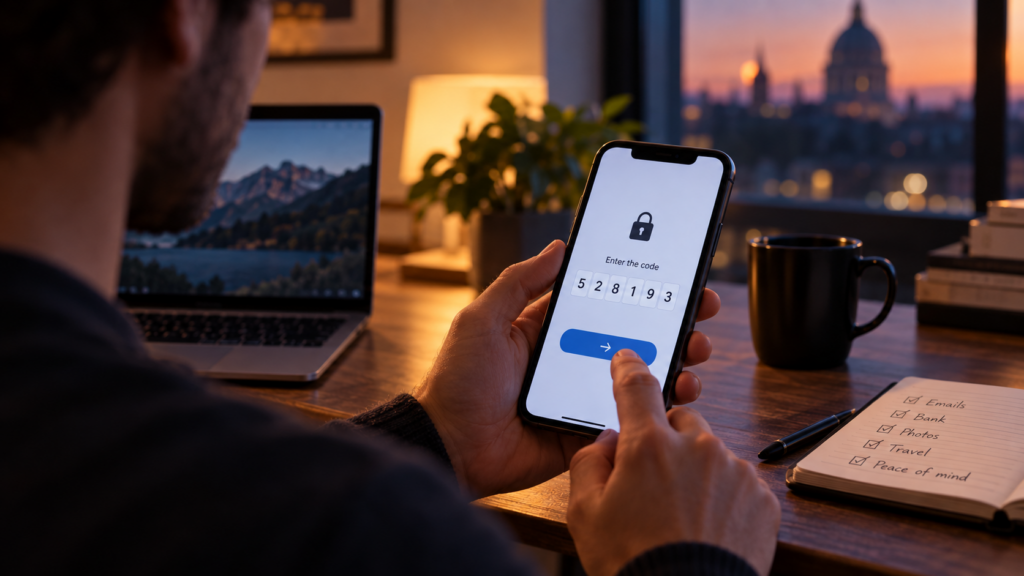
We’ve all had that moment. You just want to check an email, pay something or log into an account quickly, and suddenly you’re being asked for a six-digit code. Phone out. Find the message. Copy the number. It’s slightly annoying, especially when you’re in a hurry.
That extra step is usually called two-step verification. The idea is very simple: your password proves that you know something, then the second step asks you to prove something else, normally that you also have access to your phone or another trusted device. So stealing the password alone isn’t necessarily enough anymore.
And passwords do get exposed. Sometimes people reuse them across several websites. Sometimes they’re stolen through fake login pages, leaked databases or convincing scam emails. Imagine someone getting the key to your front door, but discovering there is another lock on the inside that needs something completely different. That’s roughly what the second step is trying to achieve.
The UK’s National Cyber Security Centre recommends enabling two-step verification on important accounts because it can stop somebody accessing them even when they already know the password. It can arrive as a text message, an email, an authentication app or another method. The NCSC also points out that authentication apps are generally a stronger choice than codes sent by SMS.
There’s another useful detail people sometimes miss. If you suddenly receive a login approval request when you weren’t trying to log in, don’t just press yes to make the notification disappear. It can mean somebody has already entered the correct password and the second step is the thing stopping them. That’s a pretty good moment to change the password.
Security often feels inconvenient because the good parts happen invisibly. You notice the ten seconds spent entering a code. You don’t notice the stranger who couldn’t get into your email, photos, bank account or social media because that code existed. Seen that way, the little interruption isn’t quite as annoying.